doodloop
Draw, then make it move
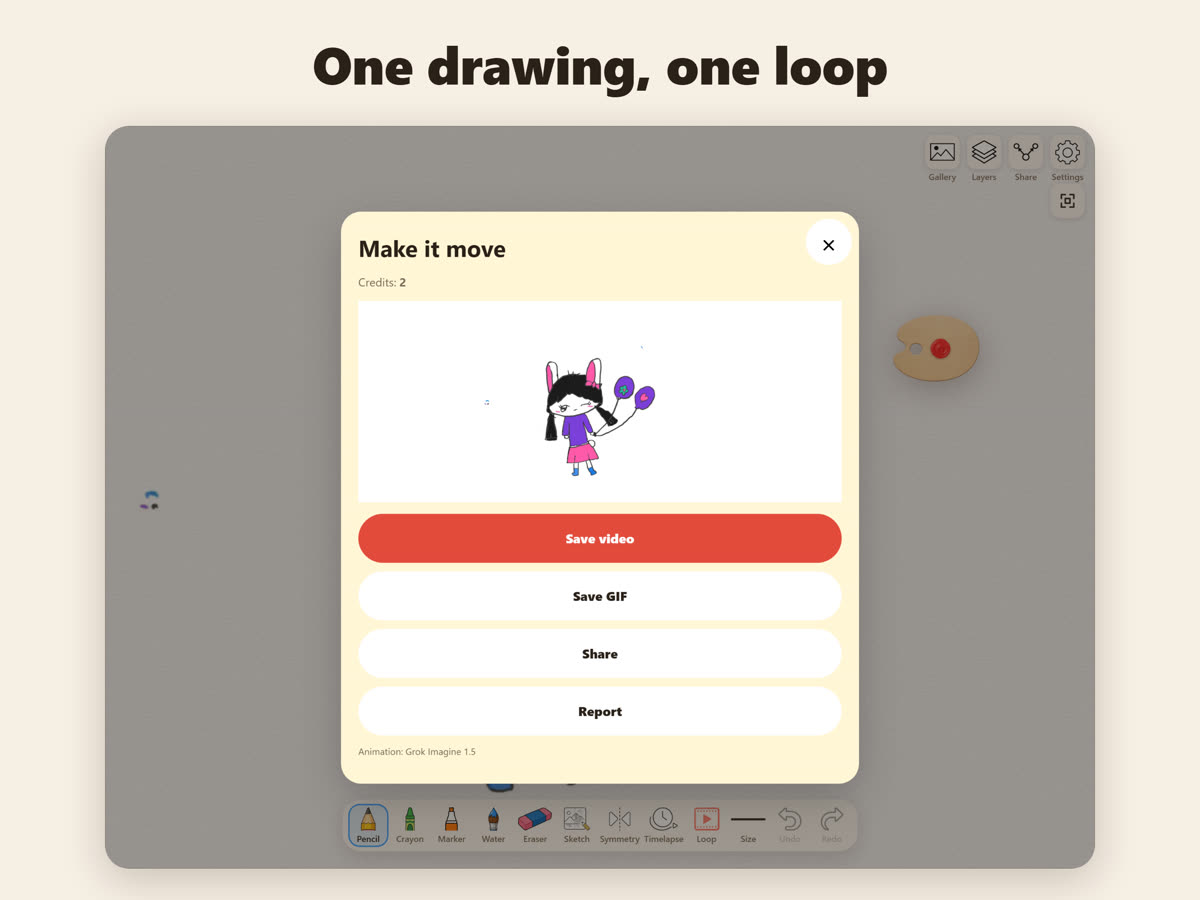
Draw for free with real-feeling tools. Wobbly lines stay wobbly. Then make one short loop — one clip, one shot, never restyled.

Draw, then make it move
Draw for free with real-feeling tools. Wobbly lines stay wobbly. Then make one short loop — one clip, one shot, never restyled.
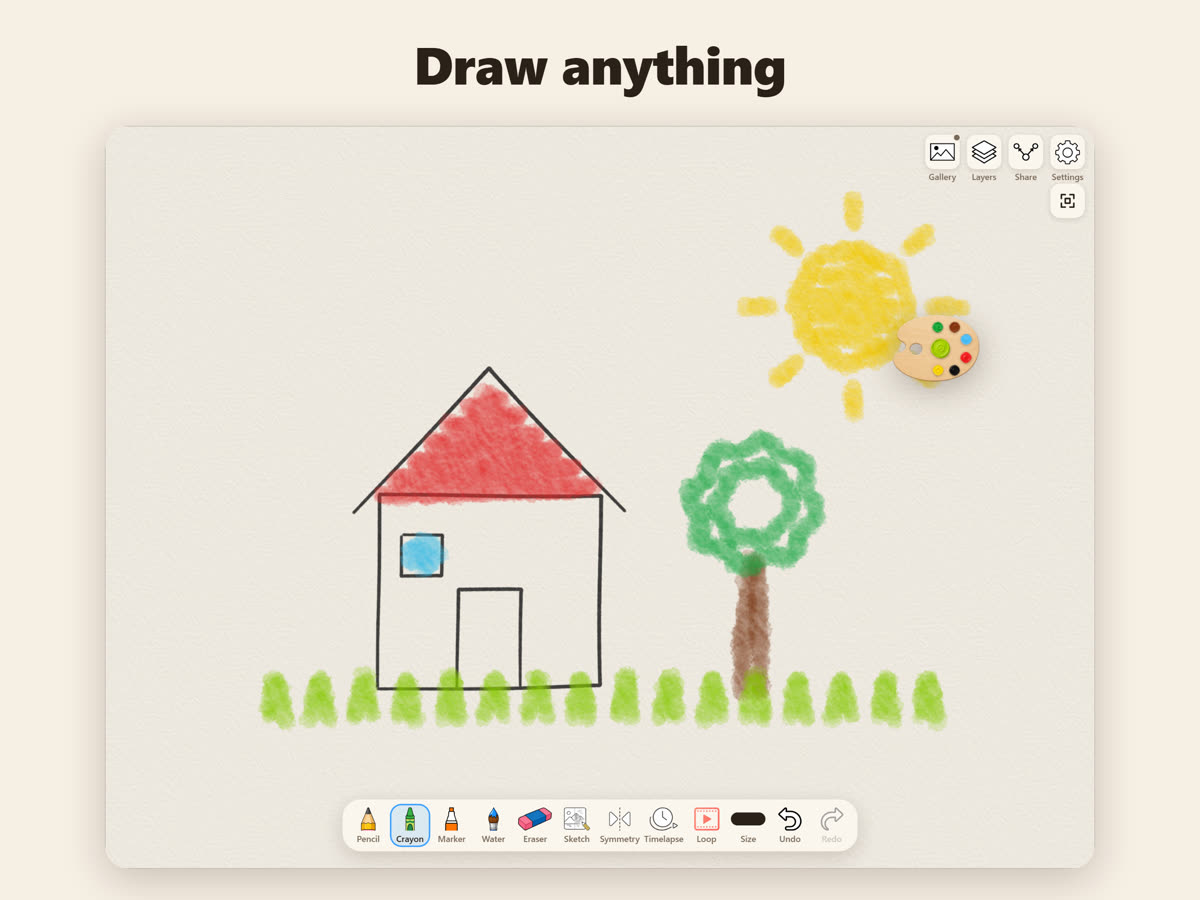
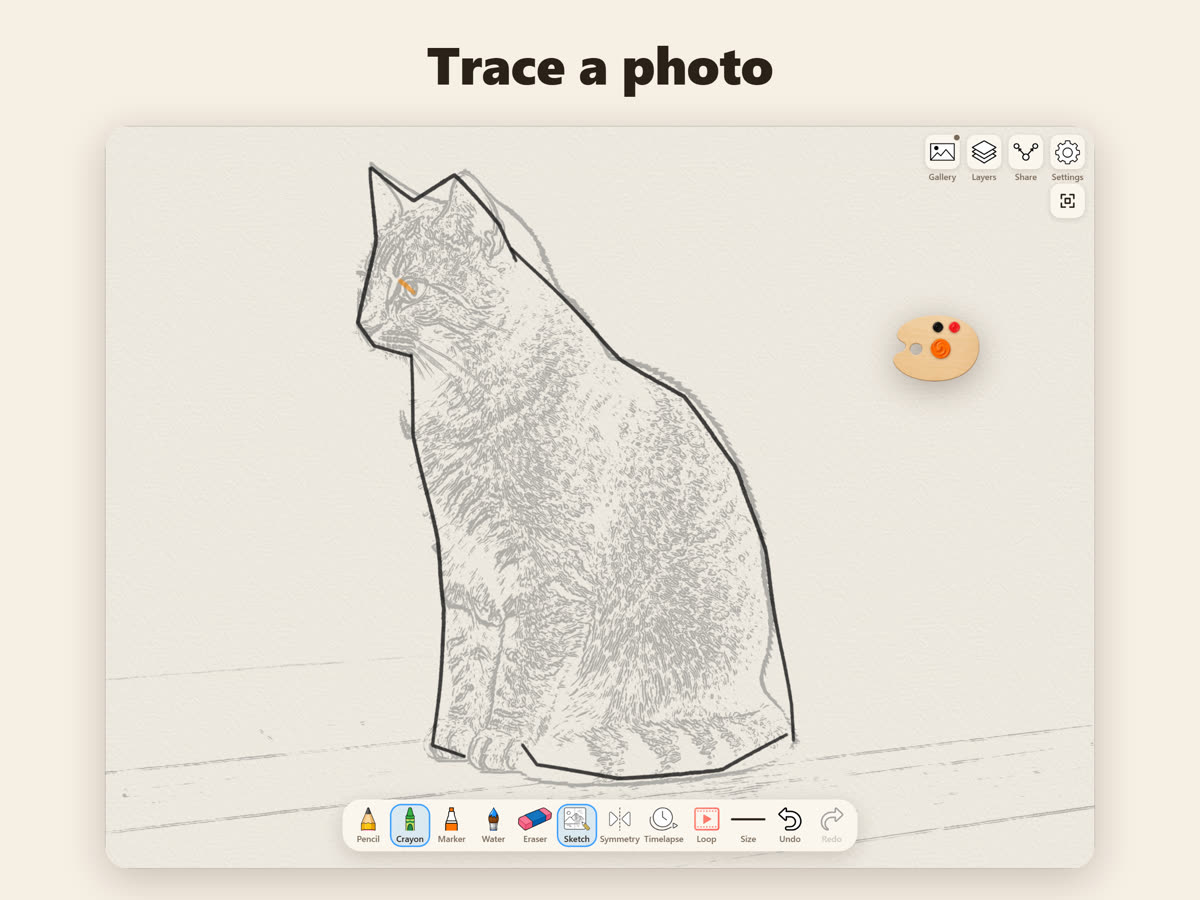
No account. No chat. No ads.
Drawings stay on your device. Only when you make a loop is that one drawing sent to create the clip.
Email june.lim33@gmail.com with your device model, its system version (iPadOS, iOS or Android) and what happened. We reply within 1–2 business days.
그리고, 움직이게 하기
실제 같은 도구로 무료로 그리세요. 삐뚤빼뚤한 선은 그대로. 그다음 짧은 루프 하나 — 클립 하나, 샷 하나, 스타일은 바꾸지 않아요.
계정 없음. 채팅 없음. 광고 없음.
그림은 기기 안에 있습니다. 루프를 만들 때만 그 그림 한 장이 클립 생성을 위해 전송됩니다.
june.lim33@gmail.com로 기기 모델, 시스템 버전(iPadOS·iOS·Android), 어떤 일이 있었는지 보내 주세요. 1~2 영업일 안에 답합니다.